We aim to a simple but powerful user experience, where you can apply your teaching knowledge to provide nice activities to you students, with the minimal amount of steps
Home
Your entryway to Yapaling, here you add a new student, view your current list of students, and your list of templates.
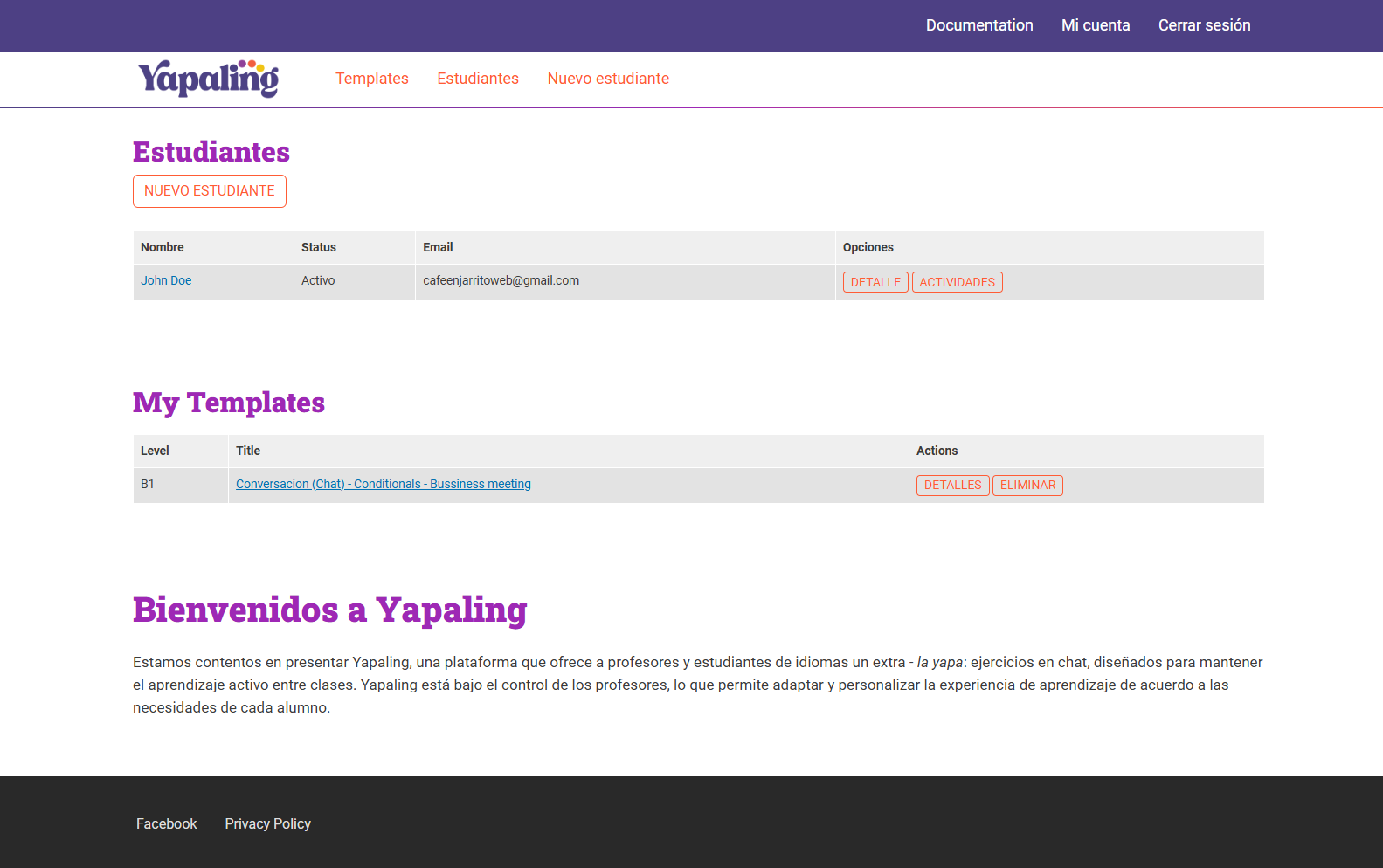
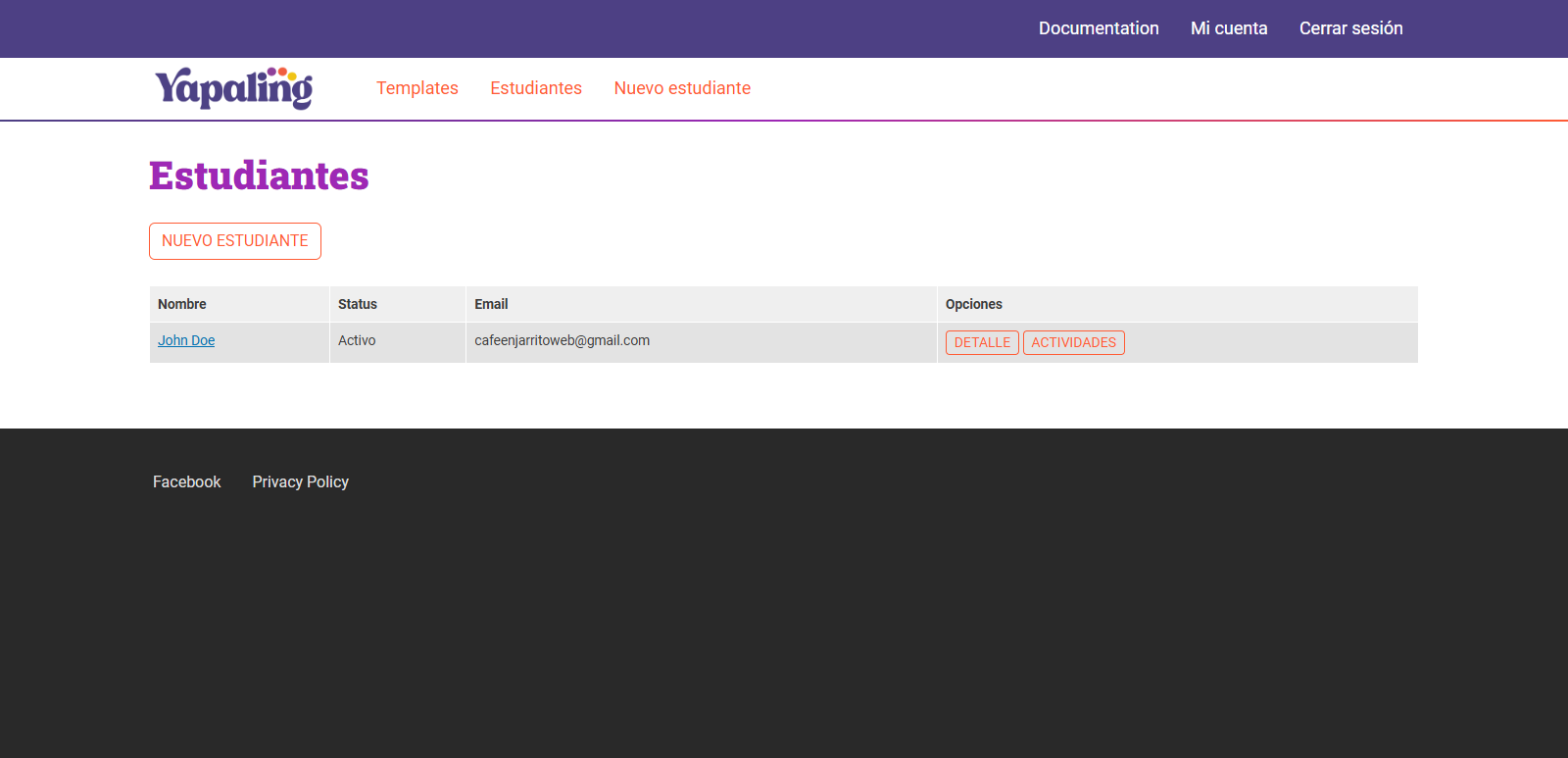
List of student
A list of students and some minimal details.
To learn more about the Students List or How to manage your sutdents you can go to the Students Section.
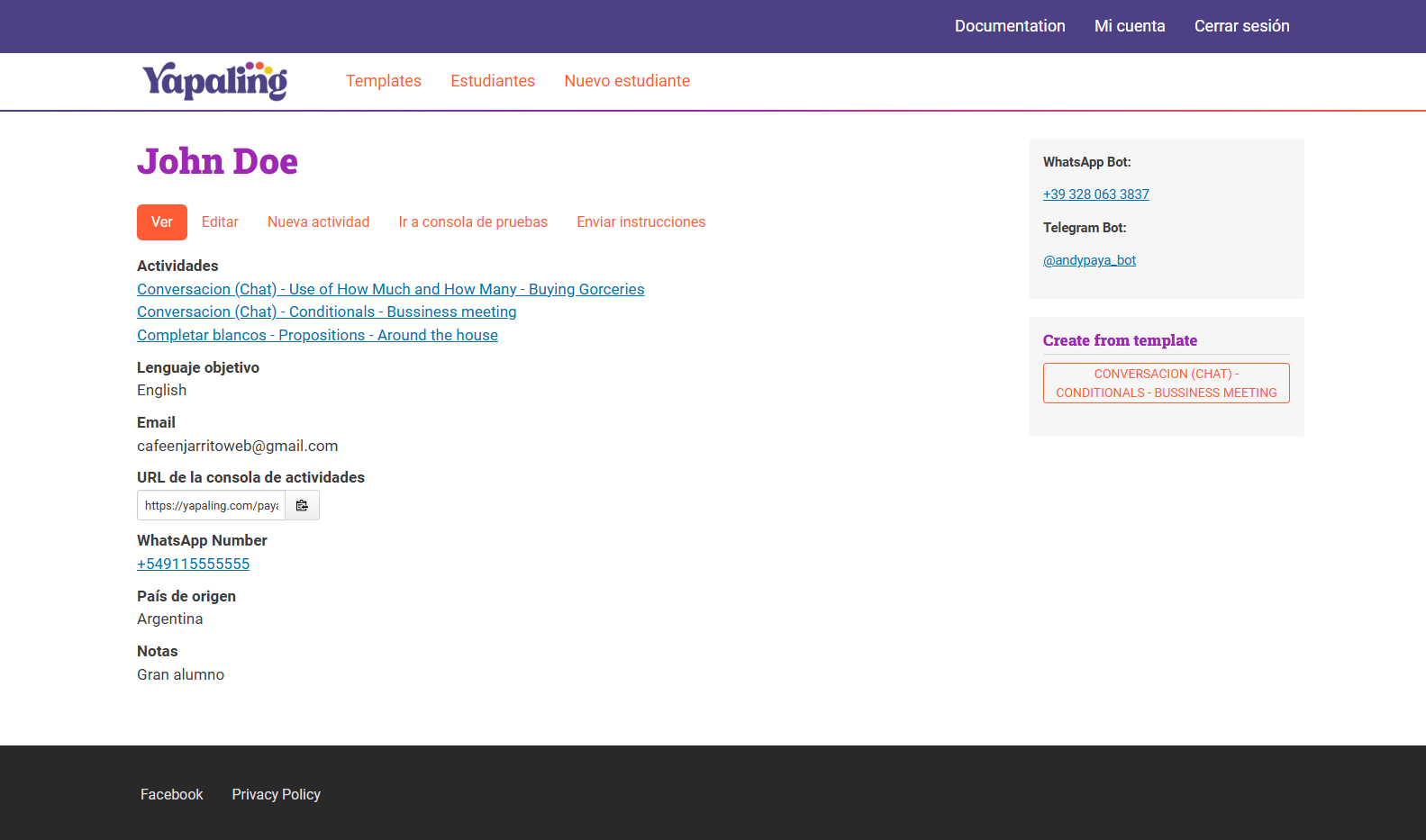
Student details
Important details to look here: the student's notes are really important, because they help to align activities with student background.
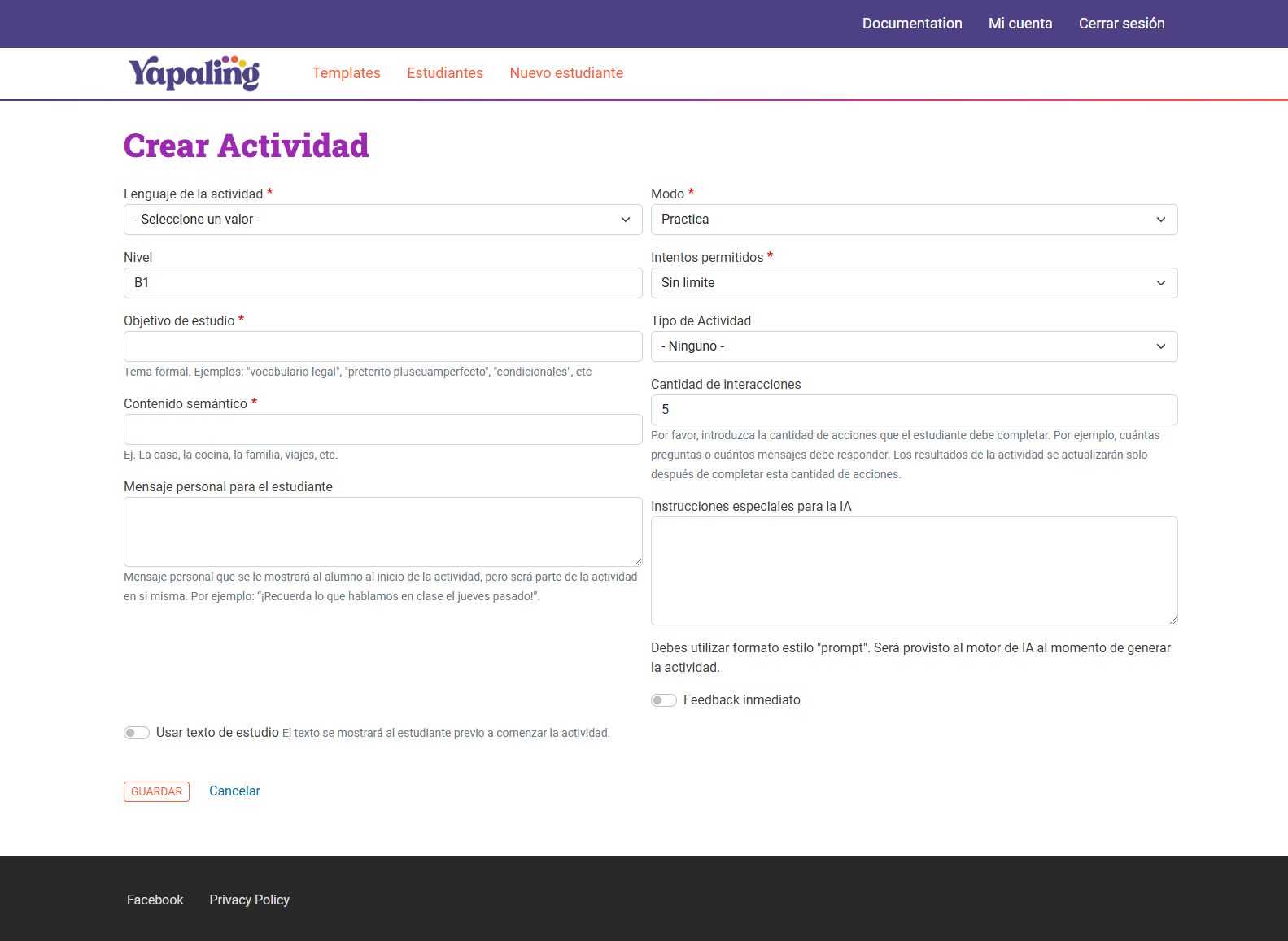
New Activity
Adding a new activity requires to add some specific information
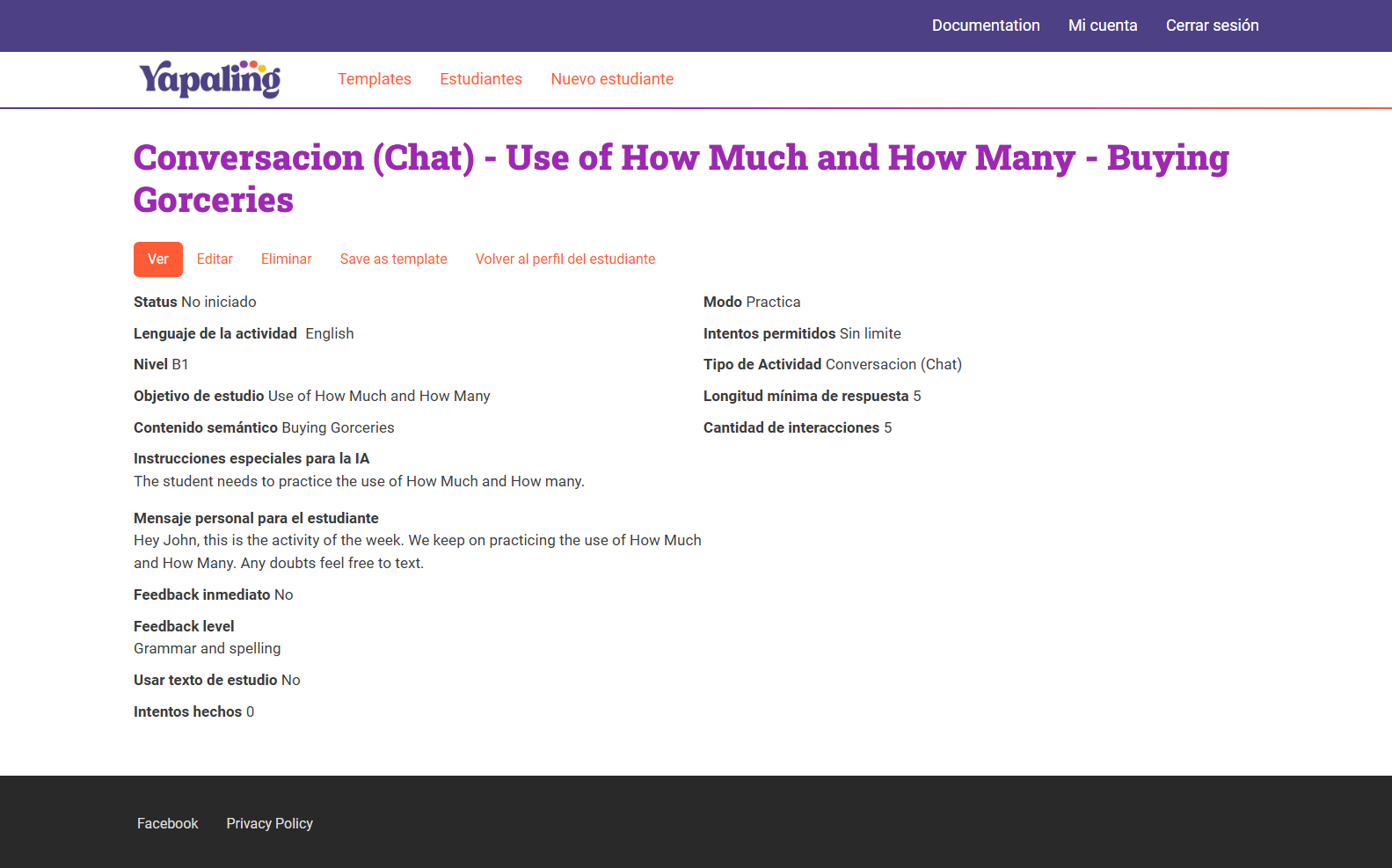
Activity details
The activity will be updated with the results from the student
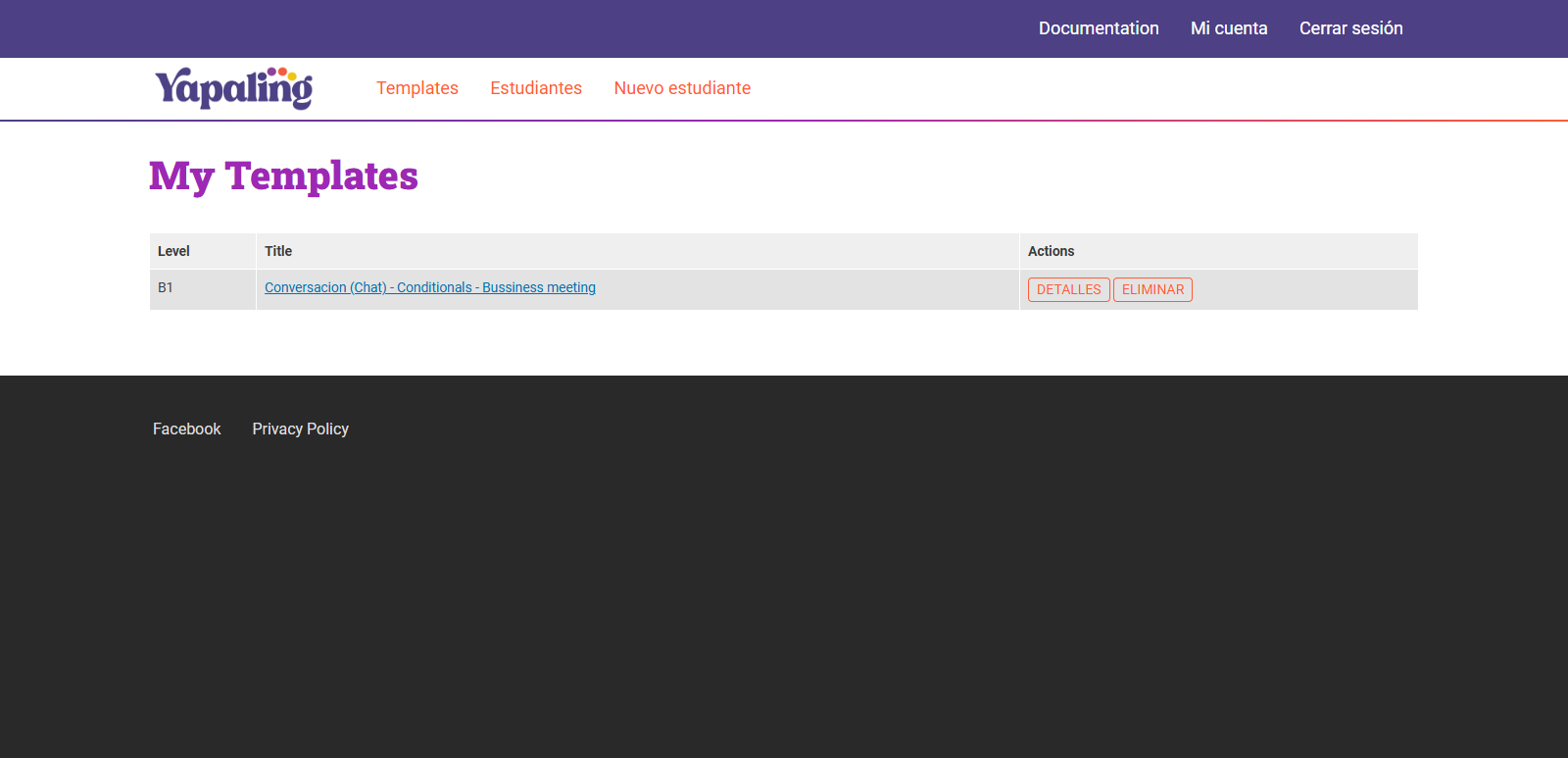
My Templates
Here you can view and manage the list of your saved templates.
Test console
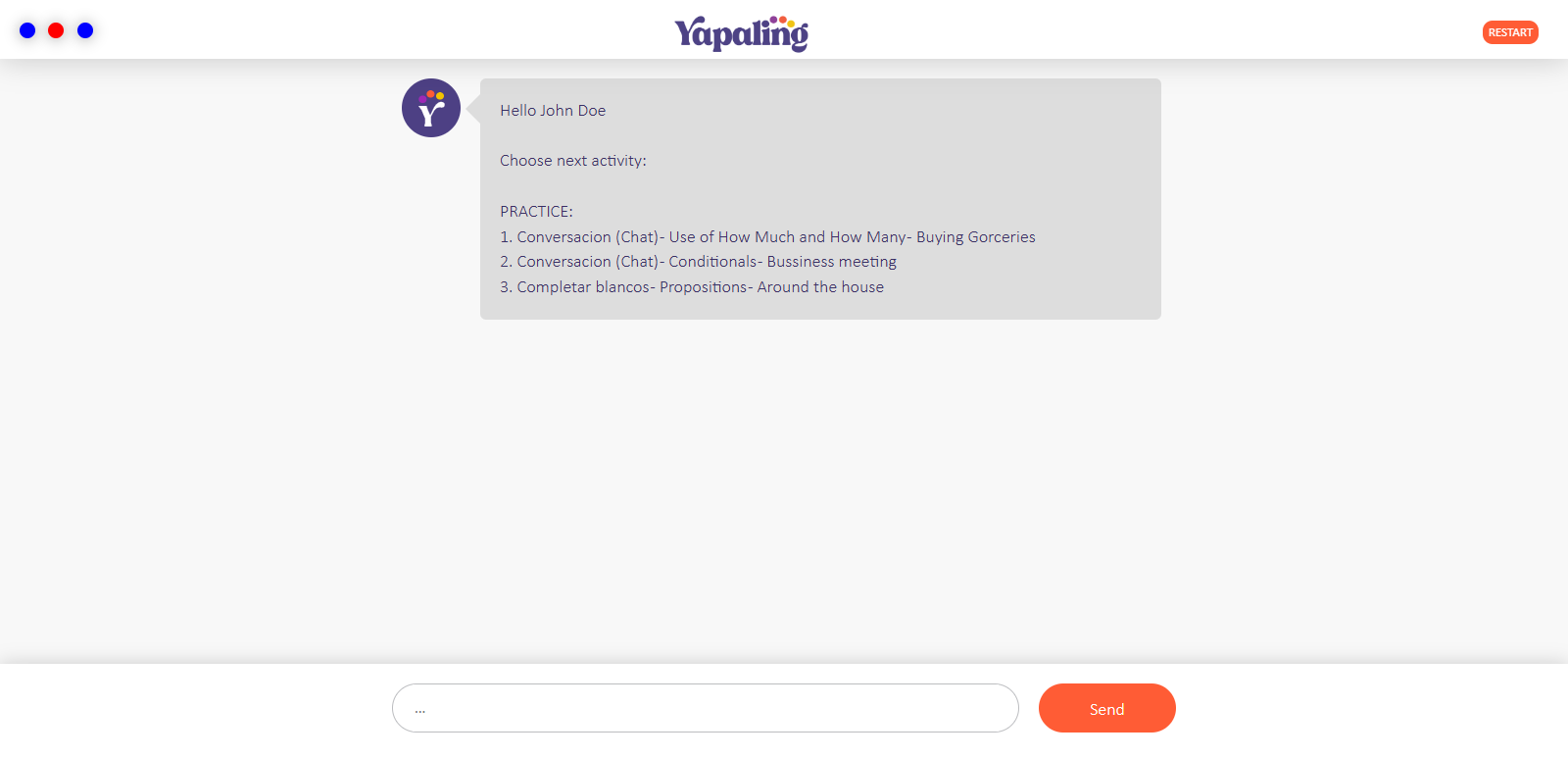
You can always test how the student access looks like